How to extend the Adobe Flash Player EOL to prevent it from blocking flash beyond 12 January 2021

With the fast approaching end of life for Adobe Flash Player, some organisations have been caught out with legacy apps that have yet to be decommissioned or migrated to HTML5, etc. Some of these apps may be business critical. Unless you take action by the 11th January 2021, this is what your users will see on 12th January 2021.
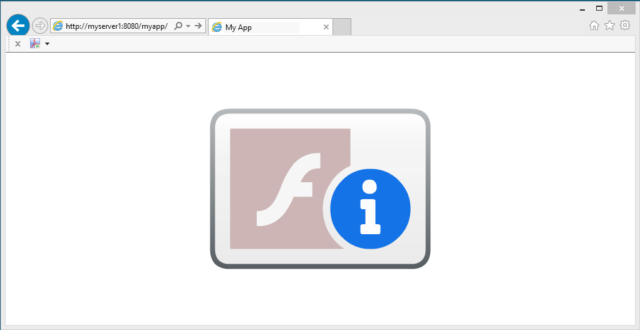
Flash Blocked

Don’t panic! We can temporality fix this and you can continue to use Adobe Flash Player if correctly configured in a locked down state using the mms.cfg file.

Update: As of July 2021 all monthly and cumulative updates contain the Adobe Flash Removal Package. Therefore, deploying it will remove Adobe Flash. So if you do have an urgent need to test or work on an old Adobe Flash app, don’t patch beyond June 2021. This is not advice I would normally provide, but helps you get to a point should you need to revisit and use an Adobe Flash app.

Read more

Script to set the Adobe Print As Image option

Having deployed a new printing solution in a large University environment, we were faced with all sorts of printing errors, slow printing, and out of memory errors on the printers themselves; specifically when printing PDFs. This is related to how the PDFs are processed, which becomes a challenge in a higher education environment where the PDFs can be considerably complex. This was not only providing a poor user experience, it was becoming a support nightmare to manage when you have thousands of Students and Academics creating and printing PDFs. After some advice, research and testing we found that setting the Adobe “Print As Image” (cPrintAsImage) option made a big difference to the quality and stability of the solution, clearing up most of the printing errors previously experienced. This option changes the way Adobe works by sending the output to the printer as an image file rather than a combination of different elements.

Read more