
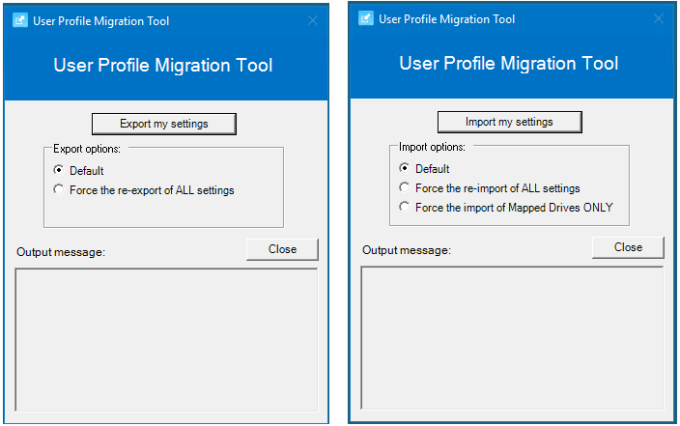
With every deployment, upgrade and migration there are often challenges for how the user profile data should be handled and moved across. I would like to introduce you to a cheeky PowerShell script with an optional User Interface I created specifically for user profile migrations, but can also be used to backup and restore user profile settings, as well as being extended well beyond the current use cases.
Background
In early 2021 I was working towards upgrading multiple highly important 24×7 Citrix platforms from Windows 8.1 VDI hosts to Windows 10 2019 LTSC (1809) hosts, and Windows Server 2012 R2 RDS hosts to Windows Server 2016. We couldn’t go to 2019 at the time as we were still using CVAD 7.15 LTSR. The older Operating Systems had run to the end of their life and we were starting to have support issues with things like Nvidia drivers and the A40 GPU support, etc. It was time to move on. So I had to find a smooth way forward moving to the new Operating Systems that wouldn’t interrupt the users.